CCTV Camera & Bio Metric Installation Training
| Course Details | |
| Course Name | CCTV Camera & Bio Metric Installation Training |
| Course Type | Direct |
| Eligibility | No Need |
| Age Limit | 18+ |
| Duration | 3 Days |
| Days | Friday, Saturday & Sunday |
| Timing | 10:00 AM to 5:00 PM |
| Payment Mode | Net Banking |
| Documents to bring | 1 Photo, Aadhar Xerox & Marksheet Xerox, TC xerox, Degree or Diploma certificate xerox ( Any one ) |
| We provide | Space- Includes Class rooms, Course materials, Note, Pen, Whole sale materials Purchase References, Old & New materials contacts, Job Assistance, Self Employment Assistance & Etc. |
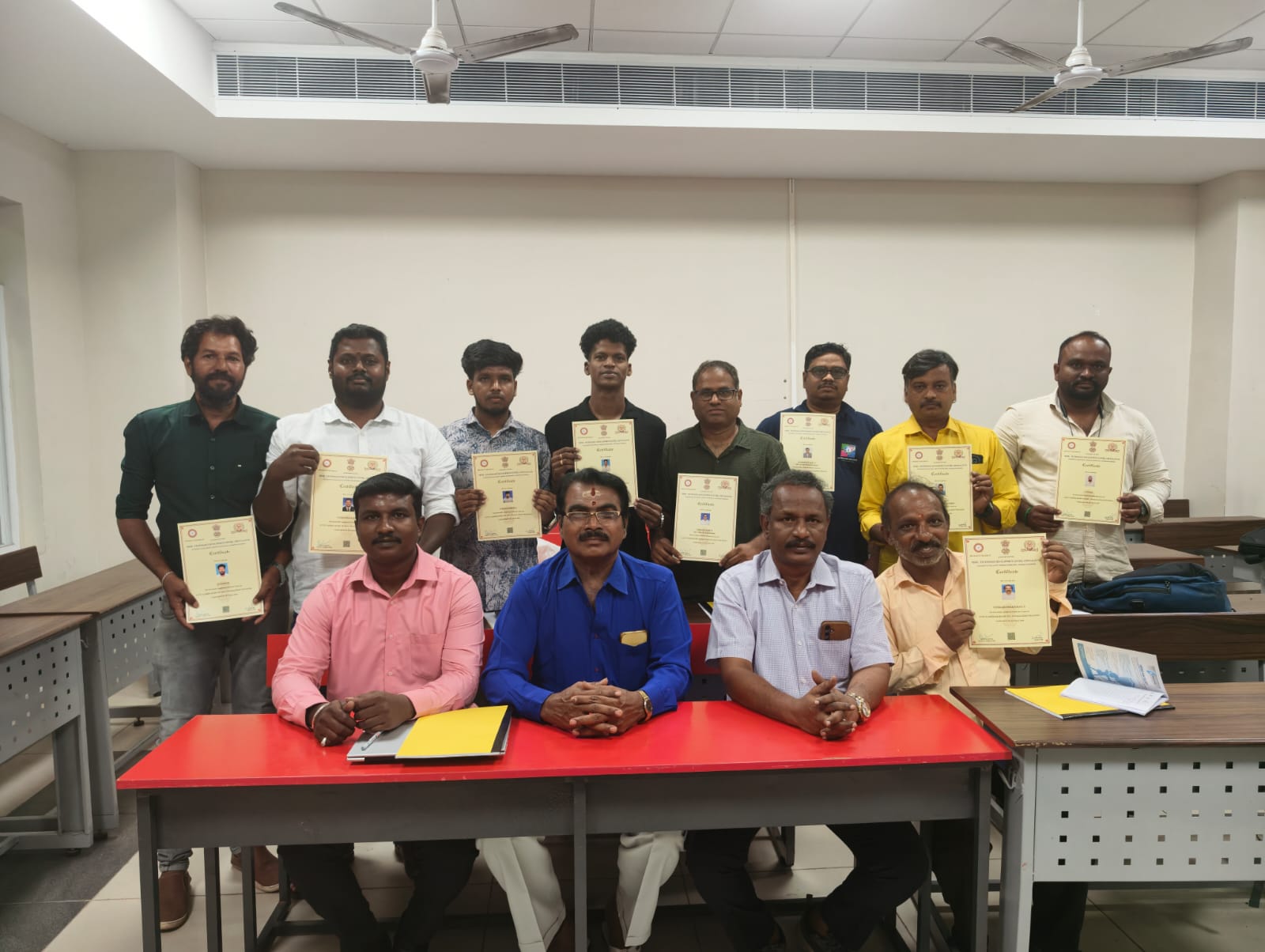
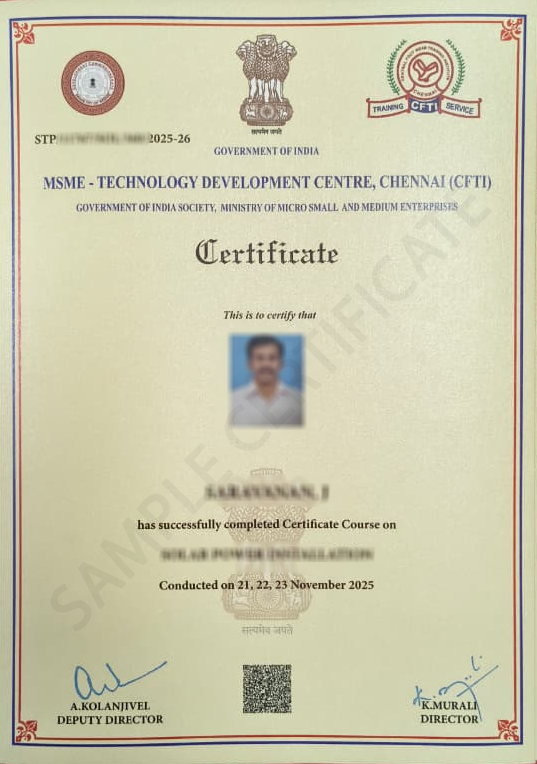
| Certificate | Yes |
CCTV Camera & Bio Metric Installation Training - Syllabus
1. What is CCTV?
2. Application of CCTV
3. Tools and testing equipment of CCTV
4. CCTV connectors-BNC/RCA and RJ45 explain
5. What is CCTV camera tester?
6. How check cable by digital multimeter?
7. How check connector by multimeter?
8. How check camera by multimeter?
9. How check camera by camera tester?
10. How check cable by camera tester?
11. Indoor and outdoor camera
12. Different types of camera model
13. What is different between analog and digital cameras
14. Analog and digital camera specification [TVL/MP/AGC/BLC/HLC/AI/DNR/WDR/IR]
15. Camera Lenz Comparison
16. What is cable?
17. Types of cable [co axial/cat5e and cat 6]
18. Cable distance explain
19. What is balun and how use balun?
20. How crimping co axial cable?
21. How crimping CAT6 cable
22. Camera dismantling method and its parts identification with troubleshooting tips
23. Camera IR module replacement and its checking method
24. What is camera adapter? and volt/ampere difference
25. What is SMPS and its volt /ampere difference
26. SMPS general fault finding method
27. SMPS voltage checking method
28. What is AV camera?
29. How to connect single AV camera to TV?
30. How connect digital BNC camera to TV and RCA to BNC crimping method
31. Wireless camera connectivity method to TV and checking audio /video
32. What is AV switcher? How connect 3 various cameras to TV via AV switcher?
33. What is remote switcher?
34. How connect various cameras to TV via remote switcher?
35. What is digital zoom camera [varifocul]
36. How connect Lenz?
37. Zoom camera checking method
38. What is DVR?
39. Types of DVR
40. DVR specification
41. 4 channel camera and DVR connectivity block diagram explanation
42. What are the four cameras installation requirement and installation charges discuss
43. How connect hard disk to DVR?
44. DVR trouble shooting tips
45. How connect 4 cameras to computer via USB DVR?
46. USB DVR recording method
47. Hik vision DVR 4 cameras connectivity method
48. How get TV output from DVR?
49. Camera setting menu practical-motion ,video loss
50. Other DVR setting explain
51. How to get video backup from DVR?
52. How recording camera manually
53. Normal recording method practical
54. Motion recording practical
55. Playback demo
56. Camera recording practical
57. How connect DVR to internet?
58. What is IP address and its finding method
59. How register DVR IP address to modem?
60. What Is domain name? and its register method
61. DVR internet view and recording and other setting
62. DVR to Cell phone view practical
63. Cell phone camera view software downloading
64. How recording camera from cell phone
65. What is PTZ camera?
66. How to connect PTZ camera to DVR?
67. What is preset and its practical
68. PTZ camera complete practical
69. What is joy stick and how to control PTZ camera?
70. What is IP camera?
71. What is NVR?
72. How configure IP camera IP address
73. How connect IP camera to NVR?
74. IP PTZ rolling camera cell phone view practical
2. Application of CCTV
3. Tools and testing equipment of CCTV
4. CCTV connectors-BNC/RCA and RJ45 explain
5. What is CCTV camera tester?
6. How check cable by digital multimeter?
7. How check connector by multimeter?
8. How check camera by multimeter?
9. How check camera by camera tester?
10. How check cable by camera tester?
11. Indoor and outdoor camera
12. Different types of camera model
13. What is different between analog and digital cameras
14. Analog and digital camera specification [TVL/MP/AGC/BLC/HLC/AI/DNR/WDR/IR]
15. Camera Lenz Comparison
16. What is cable?
17. Types of cable [co axial/cat5e and cat 6]
18. Cable distance explain
19. What is balun and how use balun?
20. How crimping co axial cable?
21. How crimping CAT6 cable
22. Camera dismantling method and its parts identification with troubleshooting tips
23. Camera IR module replacement and its checking method
24. What is camera adapter? and volt/ampere difference
25. What is SMPS and its volt /ampere difference
26. SMPS general fault finding method
27. SMPS voltage checking method
28. What is AV camera?
29. How to connect single AV camera to TV?
30. How connect digital BNC camera to TV and RCA to BNC crimping method
31. Wireless camera connectivity method to TV and checking audio /video
32. What is AV switcher? How connect 3 various cameras to TV via AV switcher?
33. What is remote switcher?
34. How connect various cameras to TV via remote switcher?
35. What is digital zoom camera [varifocul]
36. How connect Lenz?
37. Zoom camera checking method
38. What is DVR?
39. Types of DVR
40. DVR specification
41. 4 channel camera and DVR connectivity block diagram explanation
42. What are the four cameras installation requirement and installation charges discuss
43. How connect hard disk to DVR?
44. DVR trouble shooting tips
45. How connect 4 cameras to computer via USB DVR?
46. USB DVR recording method
47. Hik vision DVR 4 cameras connectivity method
48. How get TV output from DVR?
49. Camera setting menu practical-motion ,video loss
50. Other DVR setting explain
51. How to get video backup from DVR?
52. How recording camera manually
53. Normal recording method practical
54. Motion recording practical
55. Playback demo
56. Camera recording practical
57. How connect DVR to internet?
58. What is IP address and its finding method
59. How register DVR IP address to modem?
60. What Is domain name? and its register method
61. DVR internet view and recording and other setting
62. DVR to Cell phone view practical
63. Cell phone camera view software downloading
64. How recording camera from cell phone
65. What is PTZ camera?
66. How to connect PTZ camera to DVR?
67. What is preset and its practical
68. PTZ camera complete practical
69. What is joy stick and how to control PTZ camera?
70. What is IP camera?
71. What is NVR?
72. How configure IP camera IP address
73. How connect IP camera to NVR?
74. IP PTZ rolling camera cell phone view practical
1. What is Biometrics?
2. Applications of Biometric Systems
3. Types of Biometric Systems (Fingerprint / Face / Iris / RFID)
4. Tools and Equipment used in Biometric Installation
5. What is Fingerprint Scanner?
6. What is Face Recognition Device?
7. What is RFID Card System?
8. Biometric Attendance System Overview
9. How Biometric Device Works?
10. Components of Biometric System
11. Power Supply Requirement for Biometric Device
12. What is SMPS and its role in Biometric System
13. Voltage and Current requirement of Biometric Devices
14. How to check power supply using multimeter?
15. Network basics for Biometric devices
16. What is IP Address?
17. How to assign IP address to Biometric device?
18. What is LAN and WAN connection?
19. RJ45 connector and crimping method
20. Cat5e and Cat6 cable usage in biometric installation
21. Cable testing using LAN tester
22. Network switch and its role
23. Router configuration for biometric device
24. How to connect biometric device to software?
25. What is biometric attendance software?
26. Installation of biometric software in PC
27. Device enrollment (fingerprint registration method)
28. Face registration process
29. User data management in biometric system
30. Attendance report generation
31. Real-time attendance monitoring
32. USB data transfer method
33. Offline vs online biometric system
34. Troubleshooting biometric device errors
35. Fingerprint not detecting – solutions
36. Network connectivity issues fixing
37. Power failure and backup solutions
38. Biometric device maintenance tips
39. Data backup and restore method
40. Integration of biometric system with access control (door lock system)
2. Applications of Biometric Systems
3. Types of Biometric Systems (Fingerprint / Face / Iris / RFID)
4. Tools and Equipment used in Biometric Installation
5. What is Fingerprint Scanner?
6. What is Face Recognition Device?
7. What is RFID Card System?
8. Biometric Attendance System Overview
9. How Biometric Device Works?
10. Components of Biometric System
11. Power Supply Requirement for Biometric Device
12. What is SMPS and its role in Biometric System
13. Voltage and Current requirement of Biometric Devices
14. How to check power supply using multimeter?
15. Network basics for Biometric devices
16. What is IP Address?
17. How to assign IP address to Biometric device?
18. What is LAN and WAN connection?
19. RJ45 connector and crimping method
20. Cat5e and Cat6 cable usage in biometric installation
21. Cable testing using LAN tester
22. Network switch and its role
23. Router configuration for biometric device
24. How to connect biometric device to software?
25. What is biometric attendance software?
26. Installation of biometric software in PC
27. Device enrollment (fingerprint registration method)
28. Face registration process
29. User data management in biometric system
30. Attendance report generation
31. Real-time attendance monitoring
32. USB data transfer method
33. Offline vs online biometric system
34. Troubleshooting biometric device errors
35. Fingerprint not detecting – solutions
36. Network connectivity issues fixing
37. Power failure and backup solutions
38. Biometric device maintenance tips
39. Data backup and restore method
40. Integration of biometric system with access control (door lock system)